You shoot the wedding. We cull it.
Send the whole card tonight. Get your keepers back labeled and rated in Lightroom — in 24 hours, 3 days or 7 days.
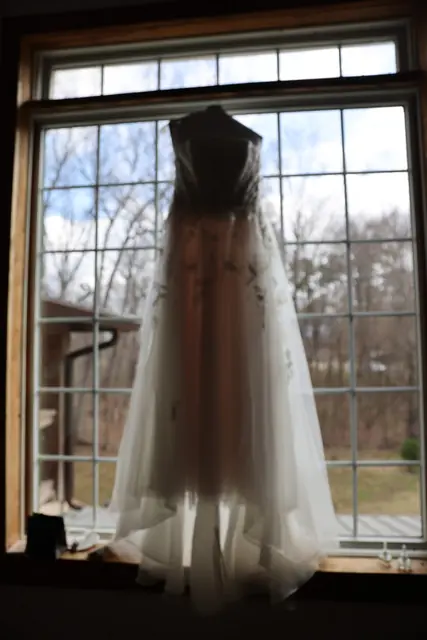

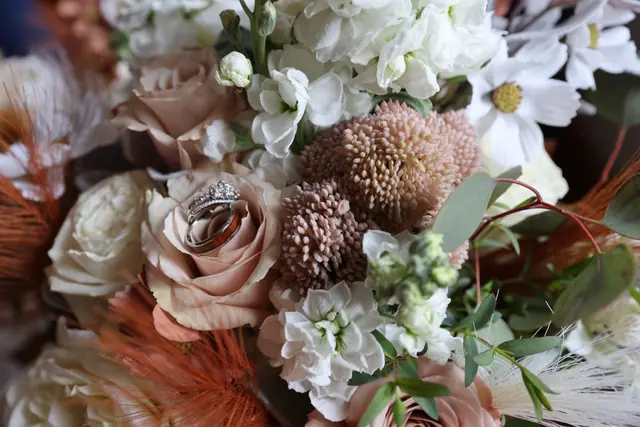

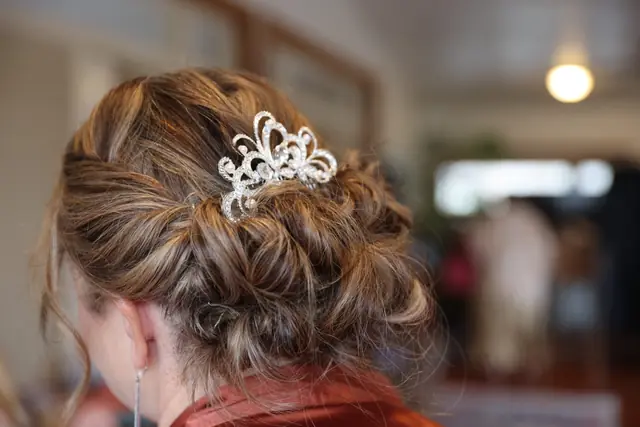

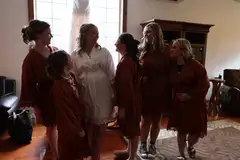
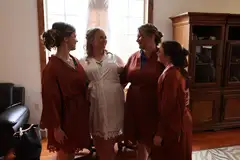
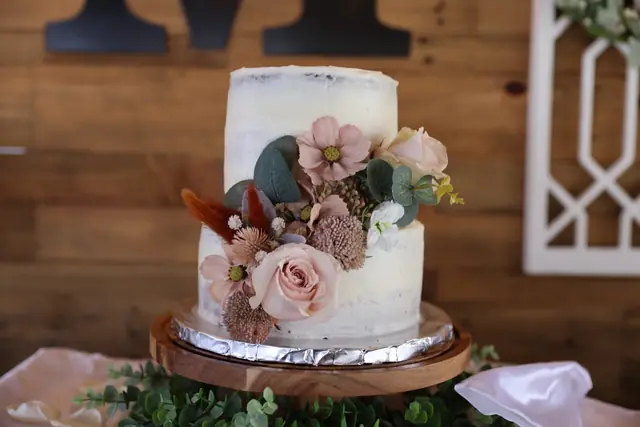

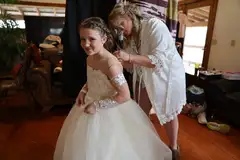

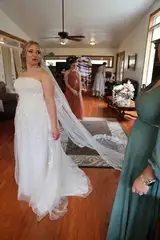
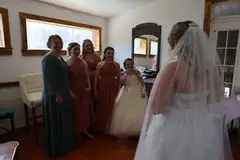
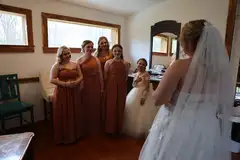
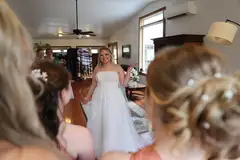
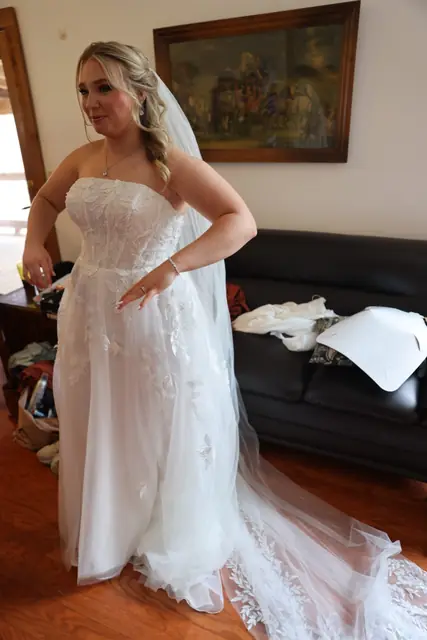








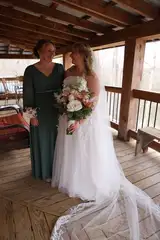
















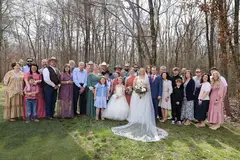


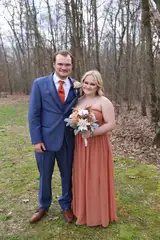



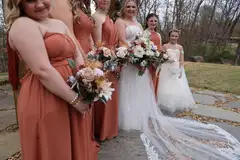

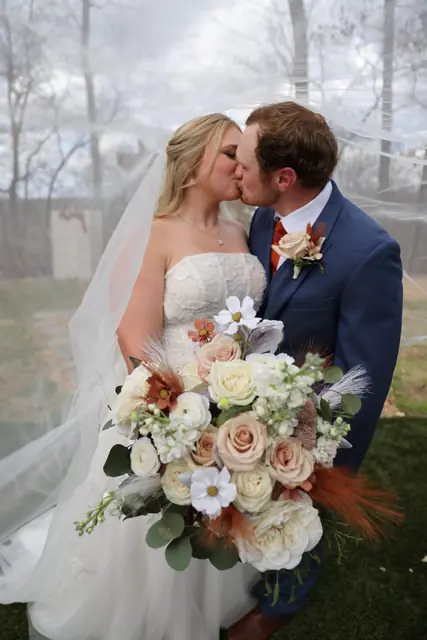
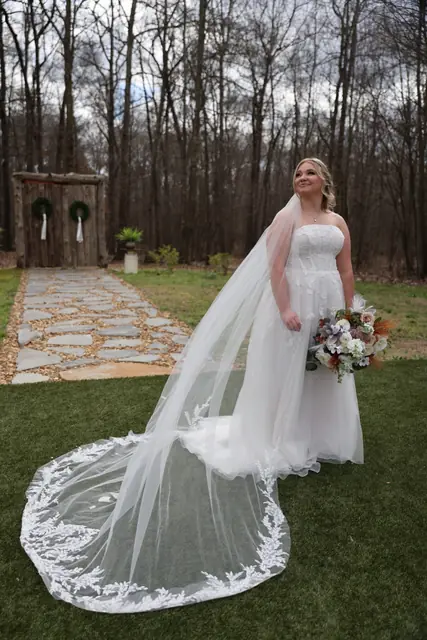


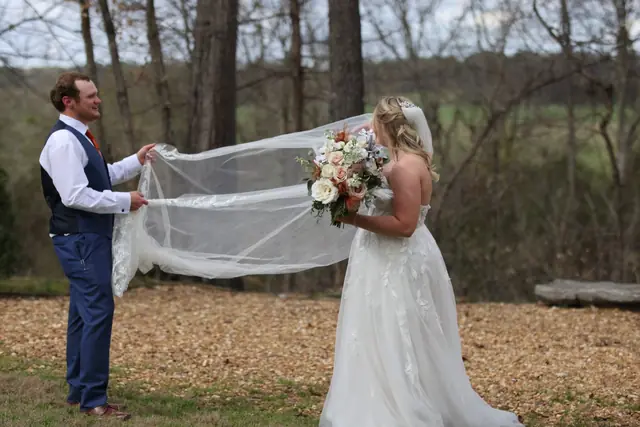

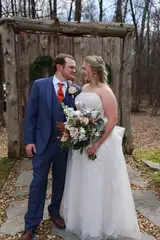
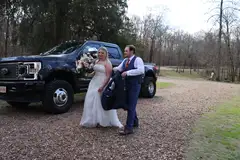
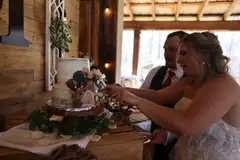

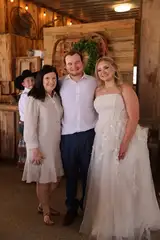
























Send the whole card. Upload less than one percent of it.
Every RAW file already holds a full-size JPEG your camera made when you took the shot. Our uploader reads that preview on your computer and sends only it. A 44 MB CR3 goes up as a 330 KB preview.
Your RAWs never leave your drive. No catalog to export, nothing to install.
From card to keepers in four steps.
- 1
Book
Pick 24 hours, 3 days or 7 days and pay per frame. Tell us how you like it culled.
- 2
Send the card
Drop the whole card or RAW folder into the uploader. It sends previews, not RAWs, so 3,000 frames go up in minutes.
- 3
We cull
Duplicates, blinks, missed focus and weak expressions come out. Every gallery gets a second pass for story, checked against your notes.
- 4
Import
Drop the sidecar files next to your RAWs. Lightroom, Capture One or Photo Mechanic shows your keepers with green labels and stars.
Your keepers open already marked.
- Green label on every keeper, so one filter shows the gallery you'll edit.
- ★★
- Stars on the standouts: sneak peeks, album spreads, your portfolio.
- Red label on rejects, so nothing is deleted and you can always check our call.
Works with Lightroom Classic, Lightroom, Capture One, Photo Mechanic and Bridge. Prefer a list? Every delivery includes a CSV of keepers too.
Culled the way you'd cull it, if you had the time.
What we take out
- Near-duplicates from every burst
- Closed eyes and half-blinks
- Missed focus and motion blur
- Awkward mid-word expressions
- Test shots, lens caps, the floor
What we keep
- The strongest frame of every moment
- Every family formal you asked for
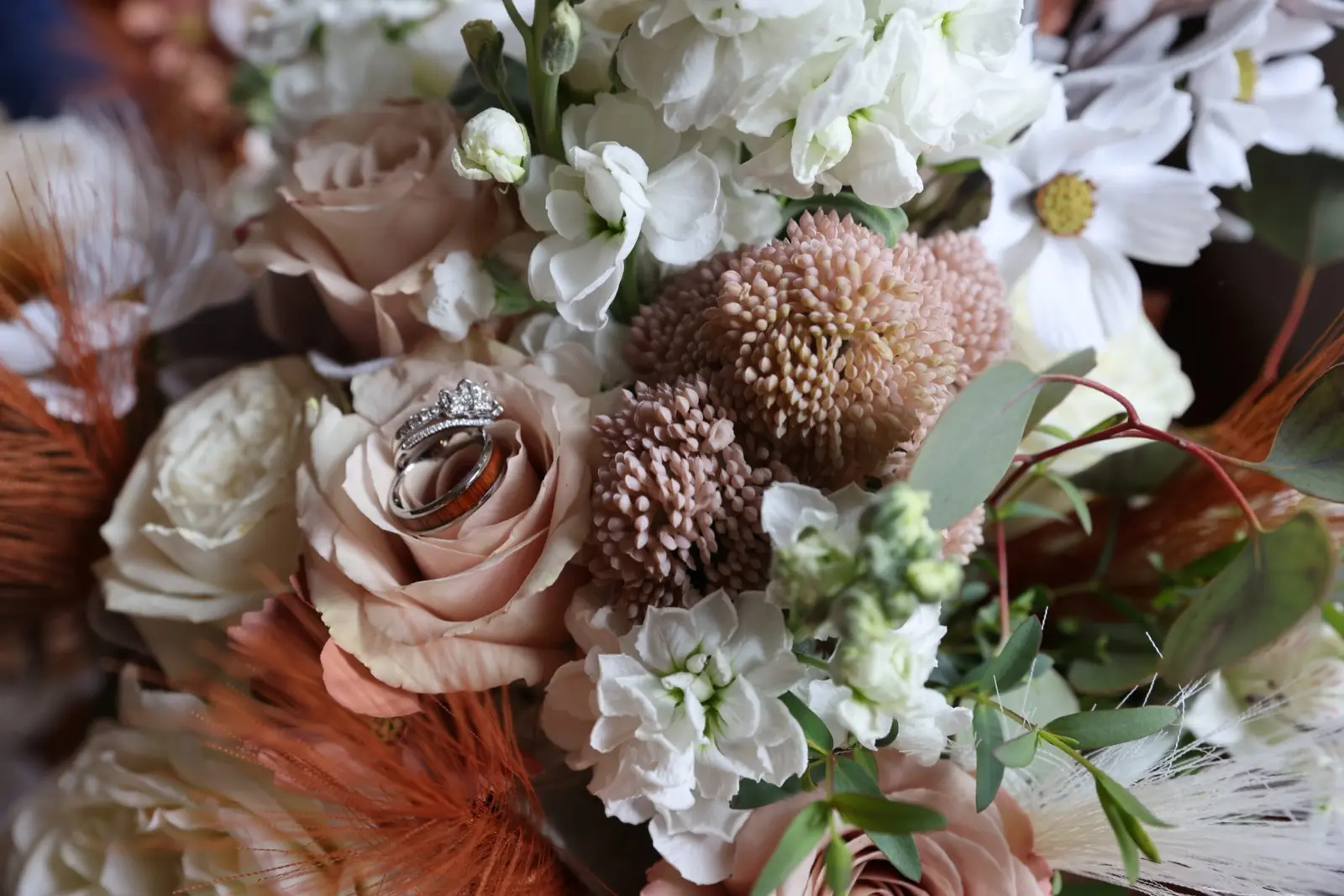
- Details: rings, florals, tables, signage
- The candid in-betweens that tell the day
- Anything on your must-keep list
Pay per frame. Pick the speed.
No subscription. A 3,000-frame wedding costs less than the evening you'd spend culling it.
Questions
Anything else: hello@wecull.net
What exactly is photo culling?
Culling is the first pass through a shoot: removing the missed-focus frames, blinks, duplicates and misfires, then choosing the strongest image from every moment. It's the part that happens before editing, and on a wedding it can eat four or five hours. We do it for you so you start editing with only the keepers.
Do I have to upload all my RAW files?
No. Our uploader reads the full-size JPEG preview your camera already embeds inside every RAW file and sends only that, right from your browser. A 3,000-frame wedding that's about 100 GB of RAWs uploads as roughly 1.5 GB. Your RAW files never leave your computer. If you'd rather, you can send a Lightroom Classic catalog with Smart Previews or a Dropbox / Google Drive link instead.
How do I get my selects back into Lightroom?
You choose. The default is a set of XMP sidecar files: drop them into your RAW folder, import (or choose Metadata › Read Metadata from Files), and your picks show up with star ratings and a green label, rejects with a red label. We also include a plain picks list, and if you sent a Lightroom catalog we return the updated catalog for Import from Another Catalog.
Which cameras and file types do you support?
Canon (CR2, CR3), Nikon (NEF), Sony (ARW), Fujifilm (RAF), Panasonic (RW2), Olympus/OM (ORF), Pentax and Leica DNG, plus JPEG. Some cameras embed smaller previews — still plenty for judging focus, eyes and expression.
When does the turnaround clock start?
When your upload finishes, not when you book. Rush galleries are back within 24 hours, Priority within 3 days, Standard within 7 days. If we ever miss a deadline, the difference between your tier and the next one down comes back to you.
What if my image count is a little off?
Book with your best estimate. We cull everything you send up to 10% over the count you paid for at no extra charge. Beyond that we'll email you before doing anything — never a surprise charge.
Can I tell you how I like to cull?
Please do. Every order has style notes: how many images you usually deliver, whether you keep near-duplicates for album options, how you feel about candids versus posed, must-have family combinations, anything. Repeat clients get the same reviewer whenever possible, so your galleries stay consistent.
Are my clients' photos private?
Yes. Uploads go to encrypted private storage that only you and the WeCull team on your order can reach, through links that expire. We never use your images for marketing or AI training, and everything is permanently deleted 30 days after delivery.
What if I don't agree with the cull?
Tell us what to change within 14 days of delivery and we'll re-cull to your notes for free. If it still isn't right, we'll refund the order.
Do you use AI?
We use professional tools to speed up the grunt work, and every gallery is reviewed and finalized by a working photographer against your notes. The judgement calls — a first look, a father's face during the toast, why the slightly soft frame might still be the one — are made by someone who has shot those moments.